

How to Read a Child Support Court Docket: A Beginner’s Guide
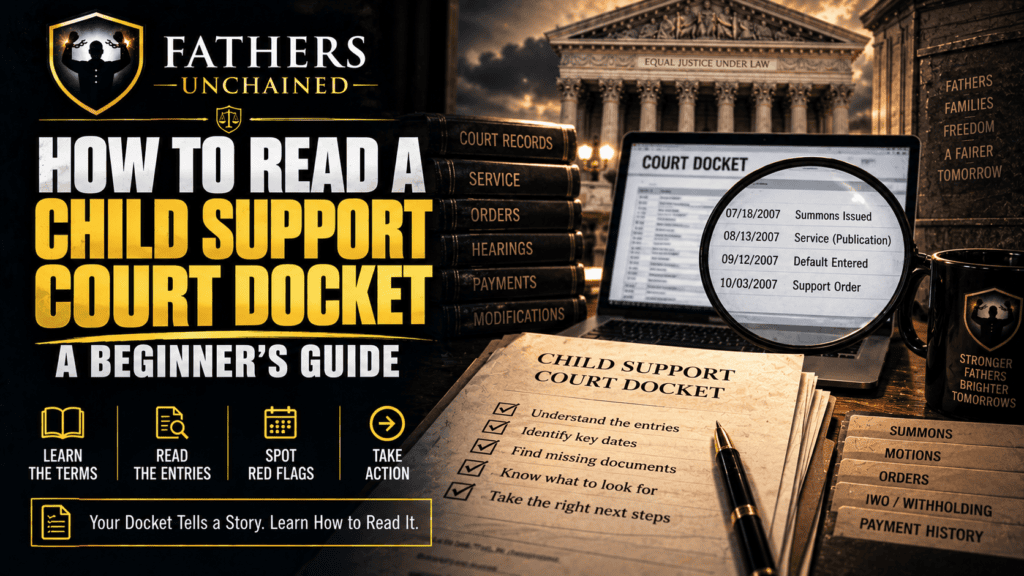
Learning how to read a child support court docket is one of the fastest ways to understand what actually happened in a case. A docket may look like a wall of dates, abbreviations, and document titles, but it is really a timeline and table of contents for the court record.
The docket is not the entire case file. Its job is to point you toward the filings, notices, returns, hearing records, and orders you need to read next.
Table of Contents
How to read a child support court docket: start with the case caption
Confirm the parties’ names, court, case number, case type, and filing date. Related family cases and similar names can cause confusion, so make sure you are reading the correct case before building a timeline.
Save the docket as a PDF or print it and write the date you obtained it. Dockets can change as new filings are added.
Read the docket from the beginning, not just the newest entry
Find the earliest entries and identify the complaint, petition, application, or other document that appears to have opened the case. Write down its exact title and filing date.
Then work forward chronologically. This helps you see the sequence: case opened, notice or service, hearing, order, modification, enforcement, and later activity.
Look for summons, notice, and service entries
Search for terms such as summons, service, return, affidavit, certified mail, publication, alternative service, waiver, or notice. But remember: a docket entry is a clue, not necessarily the complete proof.
If the docket says “summons returned,” obtain the actual return. If it says “service by publication,” get the motion, order authorizing publication, summons or notice, and proof showing what was done. The underlying documents matter.
For a deeper explanation, read Was Personal Service Proper?.
Mark every hearing and notice
Identify scheduled hearings, continuances, cancellations, defaults, conferences, contempt proceedings, modification hearings, and trials. Then locate the notice associated with each important hearing and the order or disposition that followed it.
A hearing date by itself does not tell you who appeared, what evidence was considered, or what the judge decided.
Learn the difference between a filing and an order
A motion or petition asks the court to do something. An order records what the court decided. A proposed order is not necessarily an entered order. An agency notice or docket summary is also not automatically the same as the signed judicial order.
When an entry refers to an order, obtain the actual order and check its date, signature, terms, and whether later orders changed it.
Track every child support modification
Child support amounts can change over time. Create a list of every order that established or modified support, with the effective date and amount. This becomes critical if you later audit an arrears balance or compare a withholding amount with the court record.
If the numbers do not line up, use Child Support Amount Looks Wrong? How to Audit the Number.
Identify enforcement events separately
Look for contempt filings, income withholding, liens, license actions, tax intercept issues, arrears judgments, or other enforcement events. Note the date and obtain the underlying document whenever possible.
Keeping the order history separate from the enforcement history helps answer two different questions: what did the court require, and what was later done to collect it?
Watch for gaps and references to documents you do not have
A useful docket review is not just a search for something “wrong.” It is also a missing-document inventory. If an entry refers to a summons, return, worksheet, hearing notice, order, or motion that is absent from your file, put it on your request list.
Do not automatically conclude that a document never existed merely because you do not possess it. Request it and document the response.
Have the Docket but Still Don’t Know What Matters?
Stop guessing at abbreviations and entries. Use the 30-minute Find & Read Your Docket session to identify the important events and the records you should pull next.
Book the $49 Docket SessionUse the $7 Docket Comparison Sheet
Create a simple docket worksheet
Use four columns: date, docket entry, document obtained, question or next action. For important entries, add a fifth column for the page or exhibit number where you stored the document.
For example: “8/13 — summons filed — return not obtained — request complete summons and return.” That is far more useful than trying to remember what you saw on a court website weeks later.
Use the docket to build a one-page case timeline
After reading the full docket, pull the major events into one page: filing, service or notice, first hearing, first support order, modifications, major payment disputes, enforcement actions, and current pending matter.
This timeline becomes the map for deeper record review and helps you avoid mixing events that occurred years apart.
What a child support docket cannot tell you by itself
Docket descriptions are often abbreviated. They may tell you that something was filed without telling you what it says. A docket also does not replace the applicable statutes, court rules, or the actual documents.
The goal is therefore not merely to “find the docket.” The goal is to use the docket to reconstruct the record.
Stop Guessing at Your Docket
Start free: download the Fathers Unchained Docket & Document Checklist and mark what you have and what is still missing.
Have a child support docket but don’t know which entries actually matter? Book the Find & Read Your Docket 30-minute 1-on-1. Instead of guessing at abbreviations and entries, we’ll help you identify the important events and the underlying documents you should locate next.
Fathers Unchained provides legal education and record-review tools, not legal advice. Court terminology, access, and procedure vary by jurisdiction.